ace55 Deposit Guide — Send Money and Play in Minutes
- Minimum Deposit
- ৳250
- Credit Time
- 1 Min
- Welcome Bonus
- 215%
- Methods Available
- 5
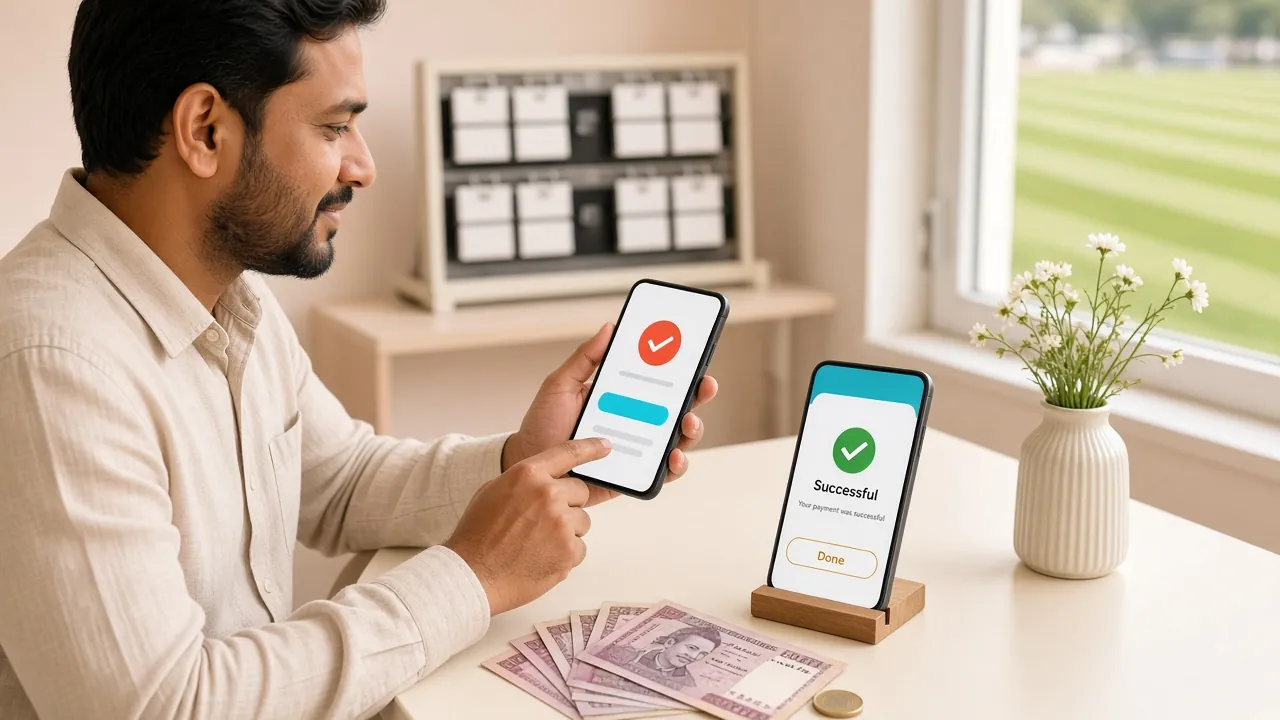
All Payment Methods at ace55
ace55 supports five deposit methods that are widely used in Bangladesh. Every method credits your account without a fee from ace55's side. Processing time is the same across all mobile money options.
- bKash Deposits credit in 1 minute · Min ৳250
- Nagad Deposits credit in 1 minute · Min ৳250
- Rocket Deposits credit in 1 minute · Min ৳250
- Upay Deposits credit in 1 minute · Min ৳250
- Bank Transfer Standard bank processing · Min ৳250
Start Here: Open the Deposit Page
Before walking through each payment method, follow these three steps that apply to all of them. You must be logged in first.
- 1 Log In to ace55 Go to /ace55-login/, enter your phone number and password, then tap "Log In". If you do not have an account yet, register first at /ace55-register/.
- 2 Open the Deposit Section Tap the wallet icon or select "Deposit" from your account menu. You will see all available payment methods listed.
- 3 Choose Your Method Select the payment method you use — bKash, Nagad, Rocket, Upay, or Bank Transfer. Each has its own form with specific instructions. Enter the amount (minimum ৳250) and follow the steps below.
- 4 Confirm and Check Balance After completing the payment in your mobile banking app, return to ace55. Your balance should update within 1 minute. If not, check your transaction history before contacting support.
How to Deposit with bKash
bKash is the most popular method among ace55 players in Bangladesh. Use the "Send Money" feature — not "Payment". Sending to the wrong number type is the most common mistake.
- Open the ace55 deposit page, select bKash, enter your deposit amount (৳250 or more), and note the ace55 bKash number shown on screen.
- Open your bKash app. Tap Send Money. Enter the ace55 bKash number exactly as shown. Enter the amount.
- When bKash asks for a reference or note, enter your ace55 account ID (shown on the deposit page). This links the payment to your account.
- Enter your bKash PIN to confirm the transfer. Save the transaction ID (TrxID) you receive.
- Return to ace55, paste the TrxID into the confirmation field, and tap Submit. Your balance updates within 1 minute.
How to Deposit with Nagad
Nagad works similarly to bKash. The key detail is finding the correct ace55 Nagad number on the deposit screen — it may be different from the bKash number.
- On the ace55 deposit page, select Nagad. Copy the Nagad number displayed. Enter the amount you want to deposit.
- Open your Nagad app or dial *167#. Choose Send Money. Enter the copied number and the amount.
- Add your ace55 account ID in the reference field. Confirm and enter your Nagad PIN.
- You receive a confirmation SMS with a transaction number. Write it down.
- Enter the transaction number on the ace55 deposit form and submit. Balance updates in about 1 minute.
How to Deposit with Rocket
Rocket (Dutch Bangla Mobile Banking) is accepted at ace55. The process uses USSD codes if you do not have a smartphone, making it accessible to more players.
- Select Rocket on the ace55 deposit screen. Note the Rocket number and the amount you want to send. Minimum is ৳250.
- Open the Rocket app or dial *322#. Select Send Money. Type the ace55 Rocket number.
- Enter the amount, then add your ace55 ID as the reference. Confirm with your Rocket PIN.
- Rocket sends you a confirmation via SMS or in-app notification. Keep the transaction reference code.
- Submit the reference code on the ace55 deposit form. The balance will reflect within 1 minute.
How to Deposit with Upay
Upay is accepted at ace55 and follows the same send-money flow. If you already use Upay for daily payments, depositing to ace55 takes under two minutes.
- Go to the deposit section in ace55 and choose Upay. Note the Upay number displayed for this transaction.
- Open your Upay app. Navigate to Send Money. Enter the ace55 Upay number and your desired amount.
- Fill in your ace55 account ID in the remarks field. This is important — deposits without an account reference may be delayed.
- Confirm with your Upay PIN. Take note of the transaction ID in the confirmation screen.
- Enter the transaction ID on the ace55 deposit confirmation form and submit. Your wallet updates in 1 minute.
How to Deposit via Bank Transfer
Bank transfers take longer than mobile money but are useful if you need to move a larger sum. The minimum is still ৳250, though bank charges may apply depending on your bank.
- Select "Bank Transfer" on the ace55 deposit page. The page will display the ace55 bank account details: account name, account number, and bank name.
- Log in to your internet banking portal or visit your bank branch. Initiate an NPSB or BEFTN transfer to the ace55 account shown.
- Use your ace55 account ID as the transfer description or reference. Without this, support will need extra time to match your payment.
- Complete the transfer and save your bank's transaction reference number and the timestamp.
- Return to ace55 and submit the bank reference number on the deposit form. Processing time depends on your bank's clearing cycle. Contact 24/7 live chat if the balance has not appeared after a reasonable time.
Your First Deposit Unlocks a 215% Bonus
New players at ace55 receive a welcome bonus on their first deposit. The bonus is credited automatically — you do not need to enter a code.
Common Deposit Errors and How to Fix Them
Most failed deposits fall into one of four categories. The table below covers the most frequent issues and the right step to take for each.
| Error / Symptom | Likely Cause | What to Do |
|---|---|---|
| Balance not updated after 5 minutes | TrxID not submitted, or entered incorrectly | Go back to the deposit form, re-enter the transaction ID exactly as shown in your bKash/Nagad SMS, and resubmit. |
| Transfer rejected immediately | Wrong account number or number type (Payment vs Send Money) | Double-check the ace55 number on the deposit page. Always use Send Money, not the Payment option. |
| Deposit form says "below minimum" | Amount entered is under ৳250 | Increase your deposit to at least ৳250 and try again. |
| Bank transfer not credited after 24 hours | Reference / account ID missing from transfer description | Contact ace55 24/7 live chat. Share your bank transaction reference, the amount, and your ace55 account ID. |
| Deposit shows as "pending" | Mobile network delay or ace55 system verification | Wait up to 5 minutes. If still pending, open live chat. Do not send a second payment for the same deposit. |
| Wrong amount sent | Typo during transfer | Contact live chat immediately with proof. If less than ৳250 was sent, the system cannot process it — support will advise on next steps. |
Practical Tips Before You Send Money
These small habits prevent 90% of deposit problems and save you time dealing with support.
Use the copy button on the ace55 deposit page. One wrong digit means the money goes to a stranger.
Put it in the reference or note field every time. Without it, the payment cannot be matched automatically to your account.
If anything goes wrong, the screenshot is the fastest proof for the support team to trace and credit your deposit.
If your first attempt seems to fail, do not resend money until you have confirmed the first one actually failed. Duplicate payments cause extra delays.
The ace55 app (Android, free) makes it easier to switch between the ace55 deposit form and your mobile banking app. The Android version runs on Android 8.0 and above.
Questions Players Ask About Deposits
What is the minimum deposit at ace55?
How long does a bKash or Nagad deposit take?
Is there a deposit fee?
Can I deposit from someone else's bKash account?
What happens if I sent more than I intended?
Do I need to complete KYC before depositing?
Can I deposit and withdraw using different payment methods?
Is there a maximum deposit amount?
Ready to Make Your First ace55 Deposit?
Register in under two minutes, deposit ৳250 or more via bKash or Nagad, and your 215% welcome bonus is credited automatically.
18+ · Play Responsibly · Bangladesh players only · Wagering 12× applies to bonus